 VetCamps
Home · Guides · How VetCamps works
New here? Start here
How VetCamps works
How military camping works, why good information is hard to find, and how the VetCamps group and app work together to fix that.
What a FamCamp is
FamCamps are campgrounds on or near military bases, run by each base’s MWR or Force Support office. Most have full hookups, low nightly rates, and the commissary, exchange and base services a short drive away. The Navy and Army call theirs RV parks or travel camps, but they work the same way. More on what a FamCamp is.
Who can stay
Active duty, retirees, Guard and Reserve, their families, and veterans with any VA service-connected rating, even 0%. Purple Heart recipients, former POWs and primary family caregivers qualify too. A few camps are open to everyone. Each base sets its own rules, so check before you go. Full breakdown: who can stay at FamCamps.
Getting on base
Booking a site and getting through the gate are two separate things. The camp office handles your reservation. The base Visitor Control Center decides who gets through the gate. If you don’t have a military ID, plan on stopping at the visitor center with a REAL ID, and call both offices before you leave.
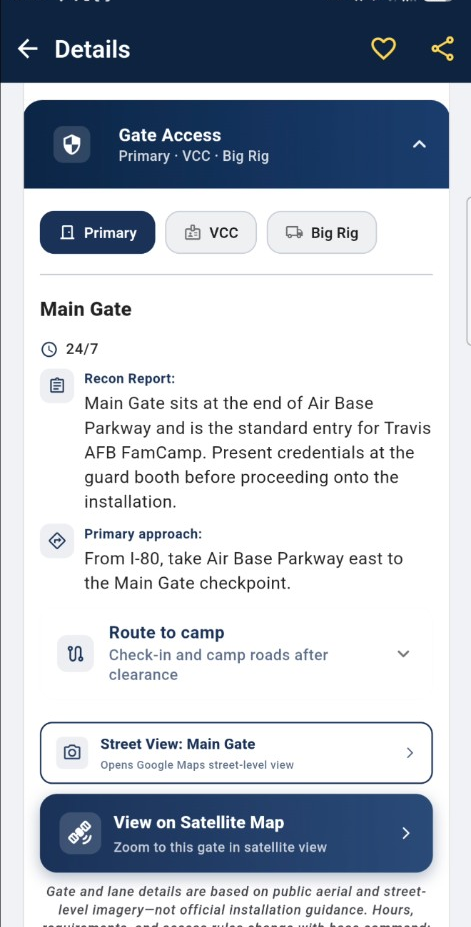
In the app, each camp’s listing has both phone numbers, and Gate Access shows which gate to use, its hours, and the lane for big rigs.
Why FamCamp information goes stale
Every base runs its own camp, and things change all the time: gates close, offices move, phone numbers change, reservation rules flip. Official websites can go years without an update. That’s why so much of what you find online is out of date.
How the group and the app fit together
The VetCamps Facebook group is where military RVers share trips, setups, photos and questions, from FamCamps to Corps lakes to parks with military discounts.
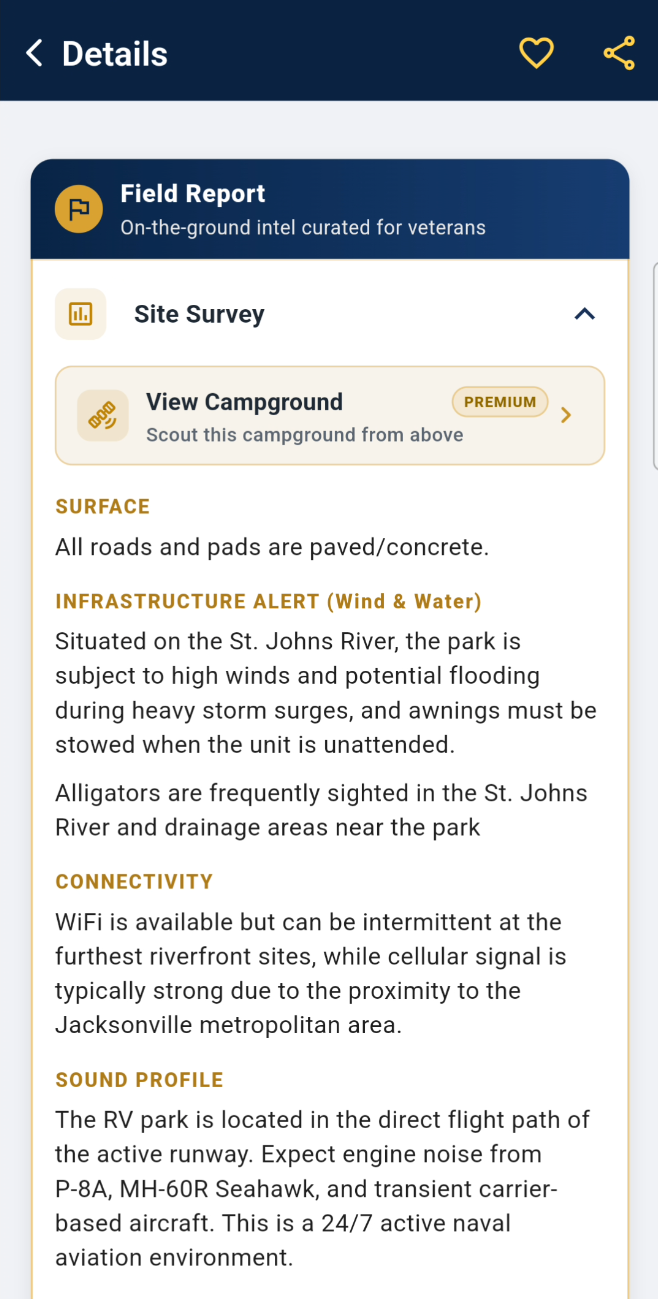
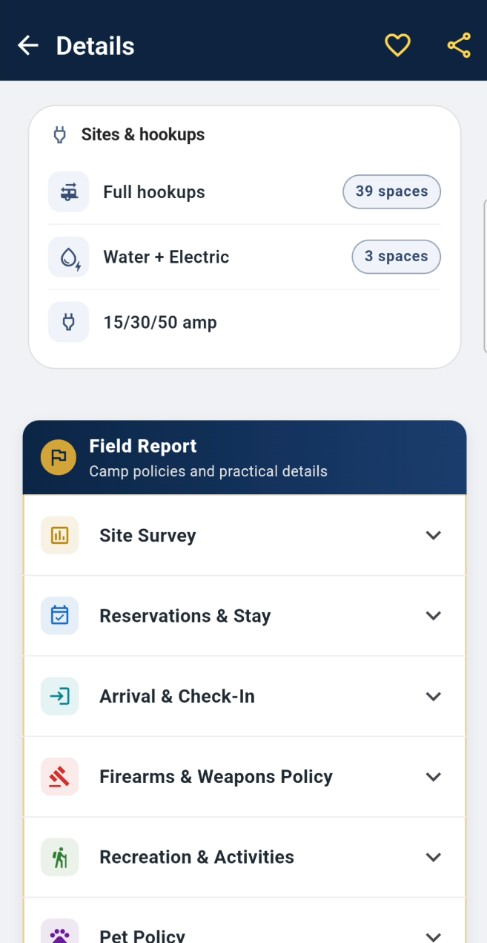
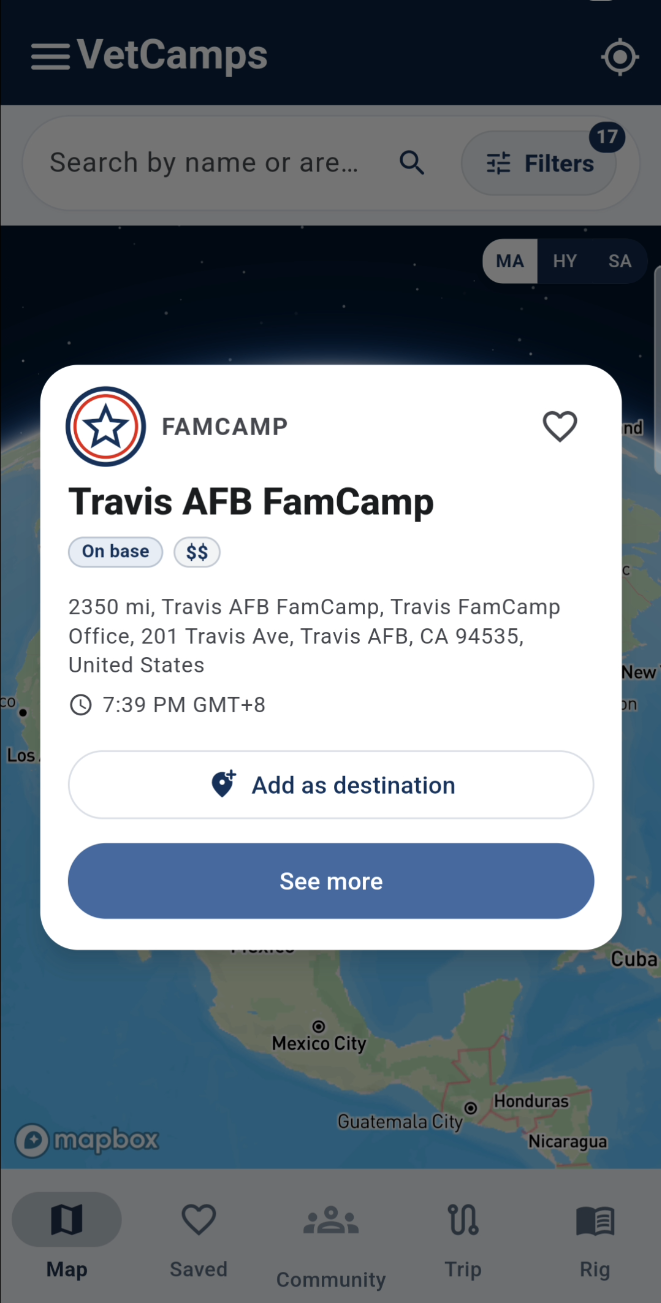
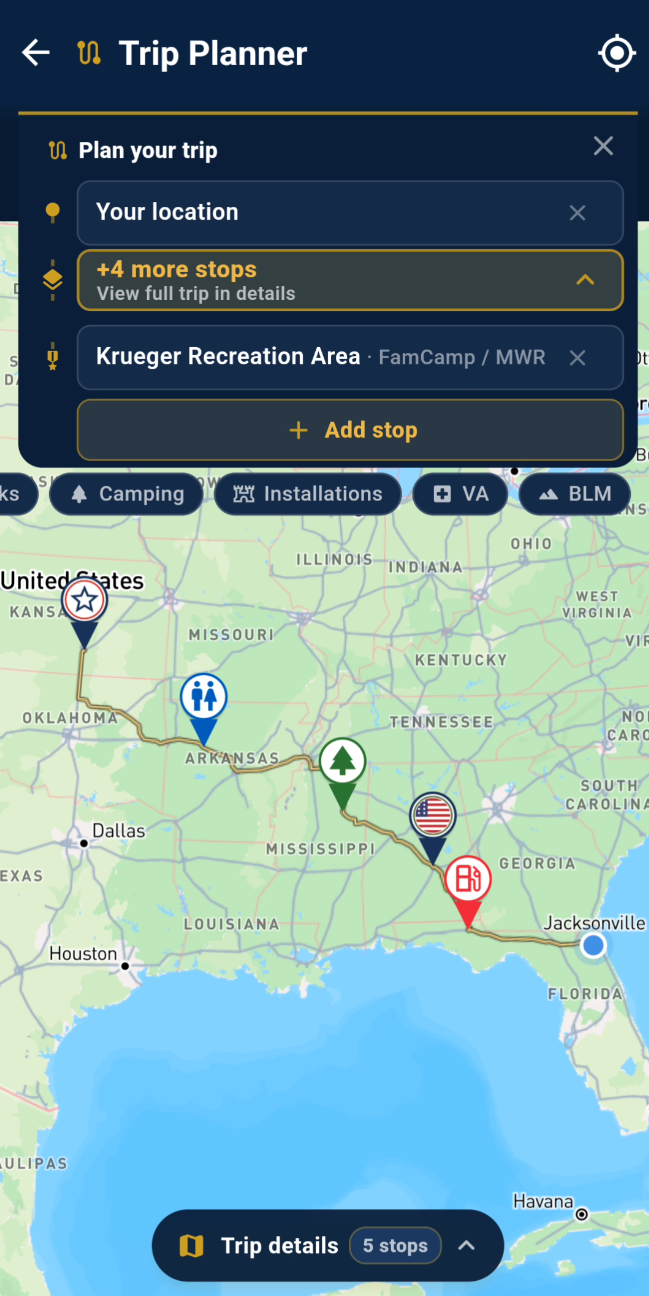
The VetCamps app puts it all on one map: every FamCamp, Army Corps of Engineers lakes, national parks and forests, state parks, and private RV parks with military rates. Each listing shows hookups, check-in, phone numbers and reviews from fellow military campers. VetCamps Pro adds Gate Access and Site Survey, a closer look at the campground before you arrive.
How your reports keep it accurate
When you post a review, photo or update, in the group or in the app, we check it against the camp and the official sources, then fix the listing for everyone. A member’s review recently caught a wrong check-in office at Little Rock AFB, and a photo of a check-in sign at Fort Campbell gave us new site maps.
To send us something:
- Tap Suggest an edit on any campground listing in the app.
- Use Report an issue in the app’s main menu.
- Tag @VetCamps in the Facebook group.
Your first trip, in four steps
- Check that you’re eligible.
- Find your camp on the VetCamps map.
- Call the camp office and the visitor center. Both numbers are on the listing.
- Share what you find, so the next camper knows what to expect.
Next: Eligibility: Who can stay at Military FamCamps? Find yourself in the table before you plan the trip.