Finding a FamCamp Shouldn't Feel Like a Military Operation
Without a single official list of military campgrounds, service members and veterans have traditionally had to piece together four main resources: print books, user forums, general civilian RV apps, and outdated single-platform apps.
To help you choose the right tool for your next trip, we broke down the typical ways people search for FamCamps alongside a new veteran-built platform designed to put live maps, satellite views, gate access, and user reviews into a single, dedicated tool. Here is how they compare on cost, data accuracy, and convenience.

1. Social Media Communities: Facebook Groups
Search "Military RVing" on Facebook, and you will find active communities with tens of thousands of members sharing daily trip updates, quick road photos, and recent stay experiences.
The Advantage: Unbeatable crowd-sourcing for real-time chatter. It is a great place to ask a quick question, browse recent photos, or catch wind of recent stay reports.
The Reality: Facebook is an unindexed feed, not an organized database. Important logistical details—like gate dimensions, visitor control center hours, and exact patron eligibility—get buried quickly under newer posts. Finding specific, actionable answers usually requires digging through comments or relying on unreliable group search tools.
2. Dedicated Web Forums: MilitaryCampgrounds.us
When military RVers tell you to "check the comments," they are usually referring to MilitaryCampgrounds.us. It hosts one of the deepest, most authentic archives of camper feedback available.
The Advantage: The web-based campground listings and user discussions are completely free to access and offer invaluable anecdotal details on site conditions and long-form reviews.
The Reality: The interface functions like a classic web directory rather than a modern mobile app. While an offline desktop application exists for $15.95 per year, it is strictly built for Windows PCs—leaving Mac, iPhone, and Android users without a dedicated offline mobile software experience.
3. General Commercial RV Directories: RV Parky
RV Parky is a broad, North American commercial directory covering everything from private RV resorts and state parks to Walmart parking lots and military sites.
The Advantage: It excels at general trip planning across all park types. The free tier maps routes up to three stops, while the Pro tier ($19.99/year) unlocks longer trips and RV-specific routing.
The Reality: Because it is a general civilian app, military-specific listings take a back seat. Base-specific rules, military patron requirements, gate clearance limits, and updated FamCamp rates are often missing or rely on older user reports.
4. Legacy Niche Apps: AllStays CRV
AllStays CRV (Military FamCamp Campgrounds) is a dedicated, ad-free app built specifically for current and former service members.
The Advantage: It focuses strictly on roughly 200 military campgrounds nationwide in a clean, standalone interface.
The Reality: Availability is restricted entirely to iOS (iPhone and iPad), leaving Android users completely excluded. Additionally, development on the free standalone FamCamp app has stalled—with key builds remaining on older releases—meaning its interface and core listing details reflect aging data.
5. Print Directories: Military Living's Guide
The 2026 RV, Camping & Cabins Travel Guide™ by Military Living is a classic 403-page paper directory covering more than 350 military installations worldwide.
The Advantage: Zero dependence on cell signal, Wi-Fi, or battery health makes it an emergency backup in absolute dead zones.
The Reality: At $69 plus shipping, it is a static paper book. You cannot pan an interactive map, toggle satellite view, filter by hookups, or tap for live GPS routing.
6. The Purpose-Built Solution: VetCamps
VetCamps was created to resolve the exact frustration of hunting down scattered information across feeds, forums, and outdated directories.
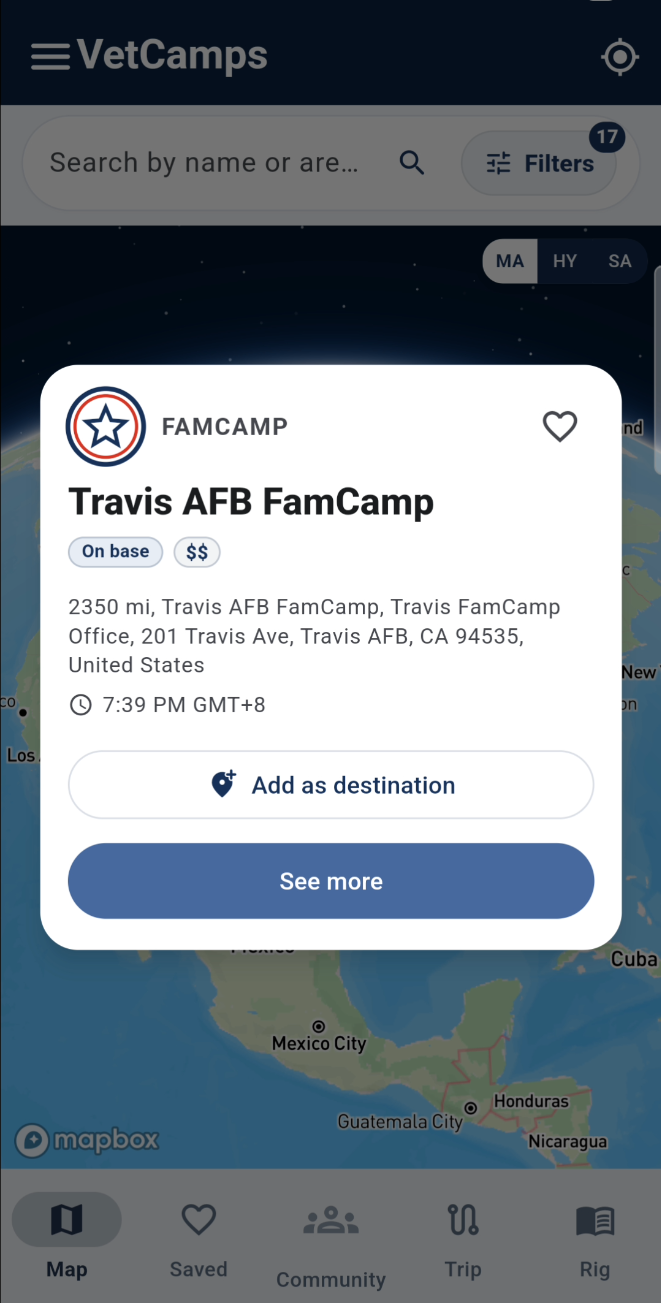
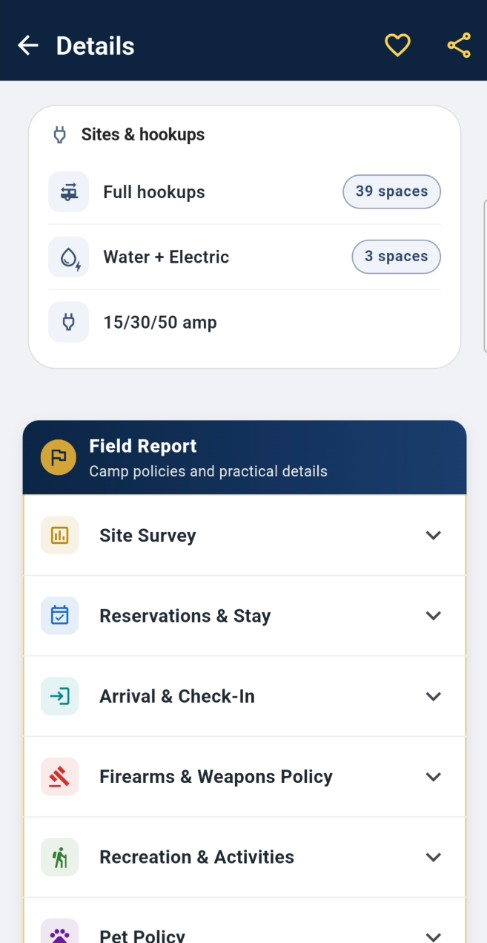
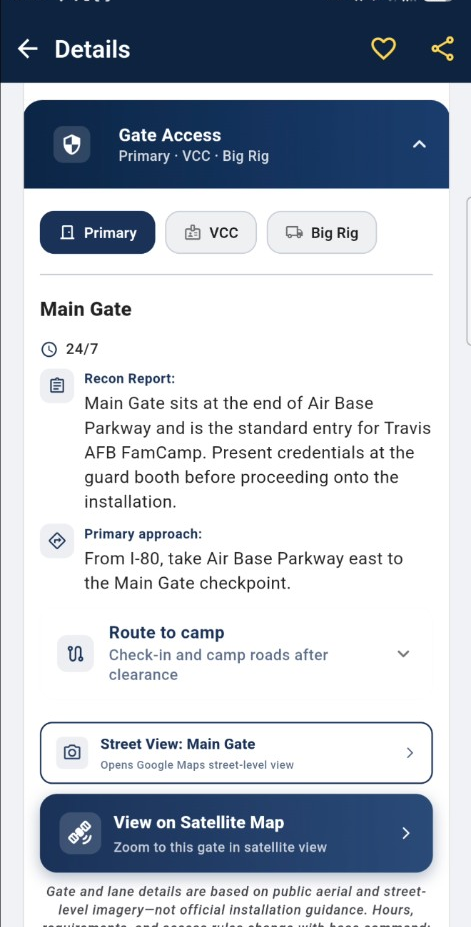
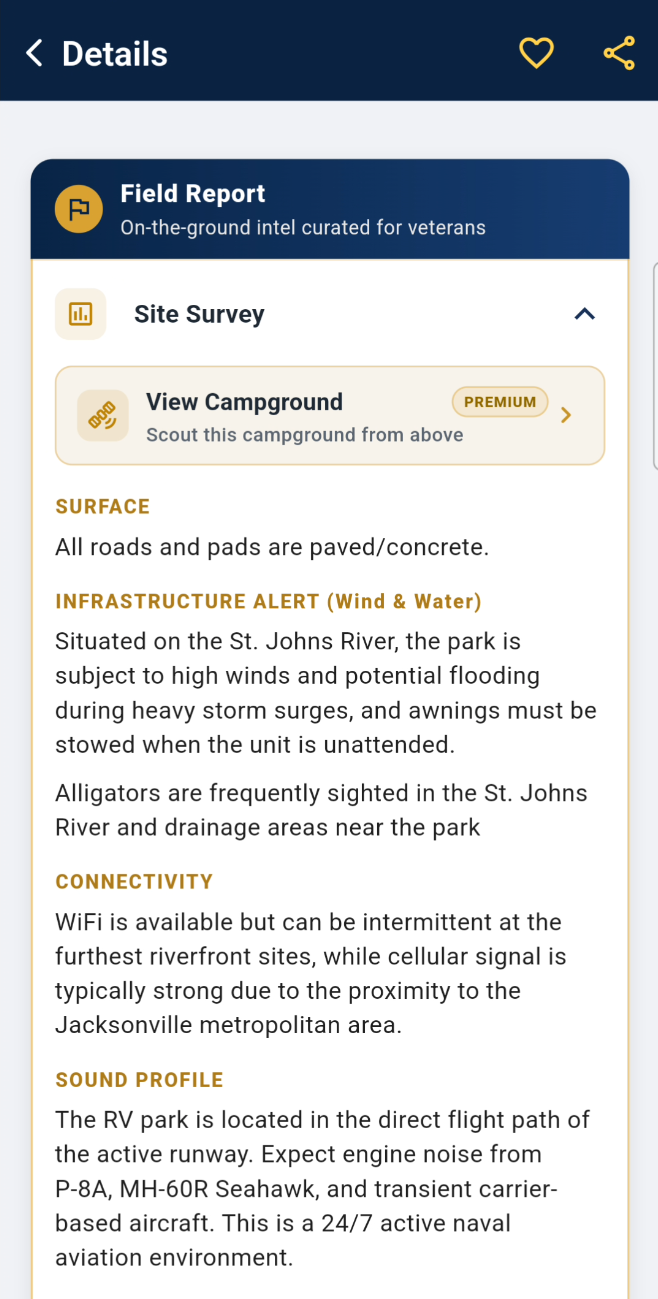
Built by Veterans for Military RVers: Instead of making you search through feeds or piece together external links, VetCamps puts everything on an interactive map. Every location provides a single, all-in-one details page: direct GPS navigation, satellite map views, gate and check-in specifics, patron eligibility rules, photo galleries, and organized camper reviews attached directly to the pin.
Cross-Platform & Complete: Available natively on both iOS and Android. Beyond mapping 236 FamCamps, it overlays 1,338 Army Corps of Engineers (USACE) campgrounds alongside surrounding BLM, National Forest, and National Park sites—giving you complete context on one screen.
Resource Comparison Matrix
| Resource | Platform Availability | Cost | Key Advantage | Primary Limitation |
|---|---|---|---|---|
| Facebook Groups | Web / iOS / Android | Free | Real-time photos and recent chatter | Unstructured feed; info gets buried quickly |
| MilitaryCampgrounds.us | Web / Windows Desktop | Free (Web) / $15.95/yr (Win) | Deep, anecdotal user comments | No native iOS or Android offline app |
| RV Parky | Web, iOS, Android | Free / $19.99/yr (Pro) | Great for general overnight stops | Base-specific data & pricing can be outdated |
| AllStays CRV | iOS Only (iPhone/iPad) | Free | Ad-free FamCamp locator | No Android version; legacy updates |
| Military Living | Print Book (403 pages) | $69 + Shipping | Works without power or cell signal | Static paper data; no routing or filtering |
| VetCamps | Web, iOS, Android | Free / Pro Tier Available | Dynamic updates; all-in-one details page | Advanced multi-stop routing requires Pro |
The Bottom Line
Every resource has its place on the road:
Use Facebook Groups when you want to browse casual photos or post a quick question to the community.
Use community forums when you want long-form, detailed anecdotes from another camper's past stay.
Keep a print directory in the glovebox as a zero-power backup for severe cell dead zones.
Use VetCamps when you want an instant, dedicated details page—map, satellite view, GPS coordinates, gate rules, and organized reviews—all attached to one pin without the search hassle.
On the phone
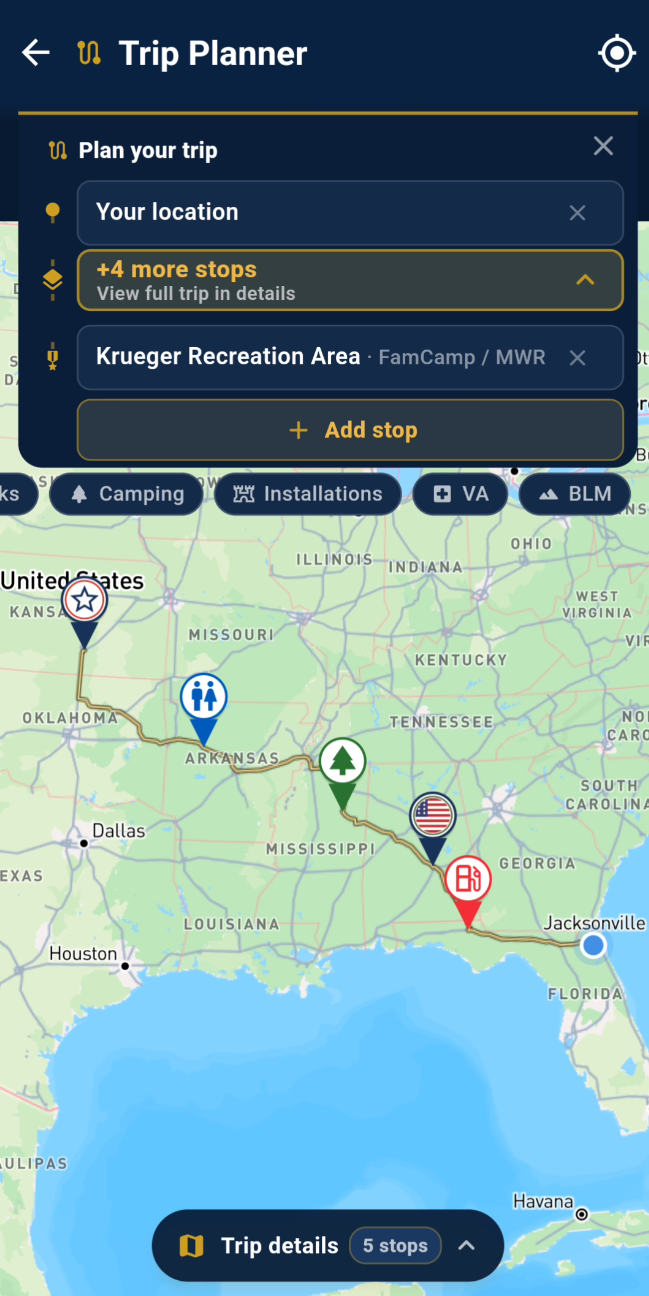
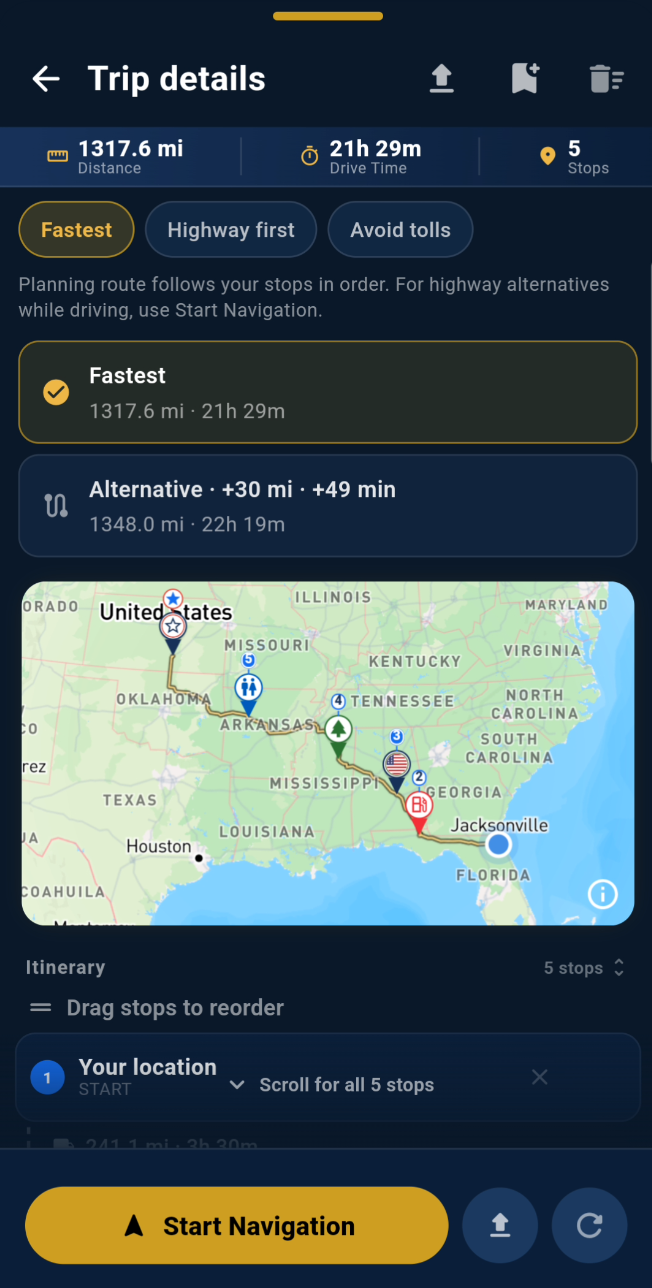
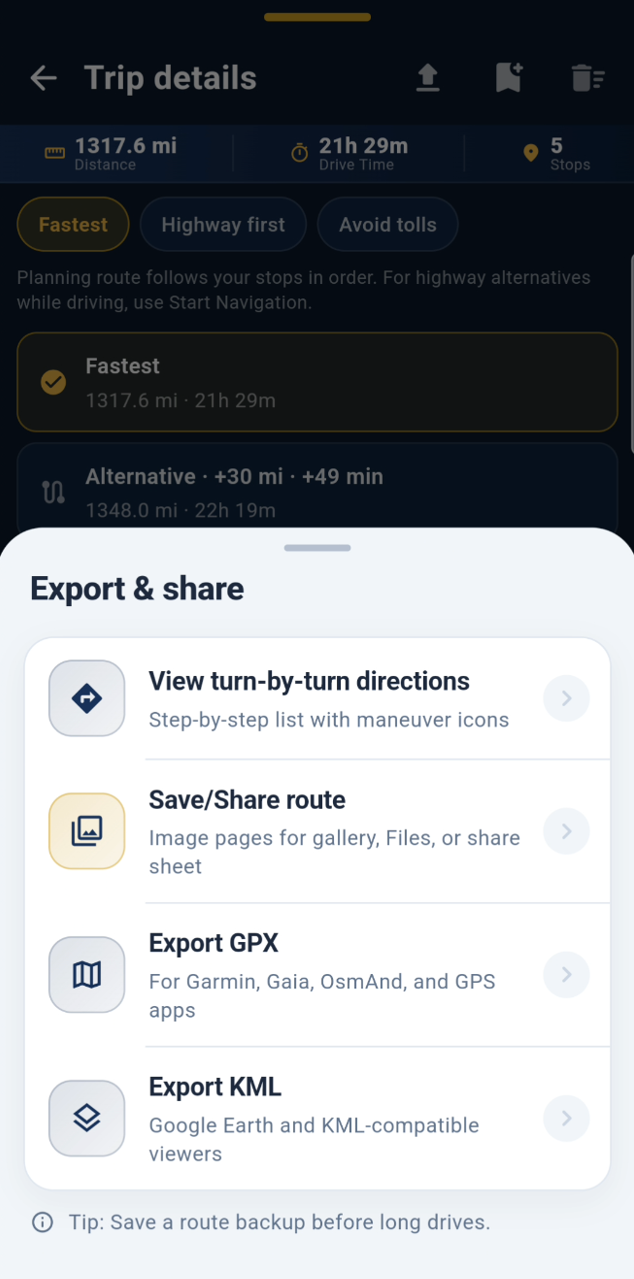
The same map on iPhone and Android. FamCamps, gates, and a trip you can build in the app.
More field notes in Guides.